
About Clipdrop
Clipdrop provides focused AI tools for creating and refining visual assets. Users can start with an existing picture or generate an image from text, then apply separate operations to its subject, background, lighting and size. The suite is designed around practical image tasks.
Key Features
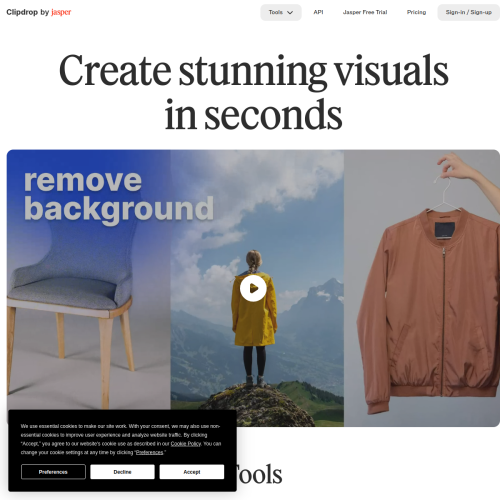
Clipdrop provides separate tools for image generation and targeted edits. These include background removal and replacement, object cleanup, text removal, relighting, uncropping and upscaling. Universal Resizer adapts images for different formats, allowing an existing asset to be prepared for another layout or channel.
Platform and Workflow
The web tools handle individual image tasks, while API access connects supported capabilities with external products. Users can generate an image or upload existing material, then apply the operation needed for that asset. Each tool addresses a specific production step rather than requiring a full image-editing workflow for every change.
Who It Helps
Designers and marketers can clean up images, change settings and develop variations for campaigns. Content creators can prepare visual assets for different formats, while developers can add image capabilities to an application. Clipdrop suits work that calls for a focused adjustment to an existing or newly generated picture.