
About Read AI
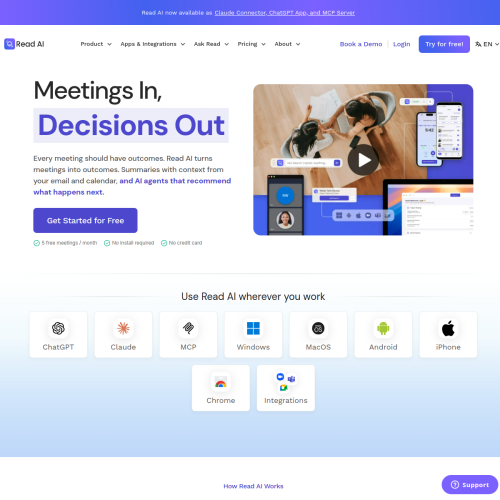
Read AI connects meeting capture with context from calendars, email, messages and customer records. It generates recaps, key questions, highlights and action items, and offers Ask Read for questions about meetings and connected information. Its approach extends beyond a single transcript to preparation and follow-through around a conversation.
Key Features
Read AI produces meeting transcripts, recaps, highlights, action items and key questions. Ask Read answers questions across meetings and connected workplace content. Preparation tools bring together context before a call, while meeting analytics and speaker coaching help users review participation, talk time and recurring conversation patterns.
Apps and Integrations
Read AI supports Zoom, Google Meet and Microsoft Teams, with desktop and mobile applications for additional recording situations. Connections with email, messaging, calendars and CRM systems broaden the context available to the assistant. Workspaces and folders organise reports, and Ada, its executive assistant, supports scheduling and questions through email.
Who It Helps
Individuals can use Read AI to catch up on decisions and prepare for upcoming discussions. Teams can search shared meeting information instead of relying on separate notes. Managers can review trends across conversations, while customer-facing colleagues can combine meeting details with account and communication context.